Pick cosmetics for Dota 2 on your own computer and press Play
Download for Windows 10 and 11, 64-bit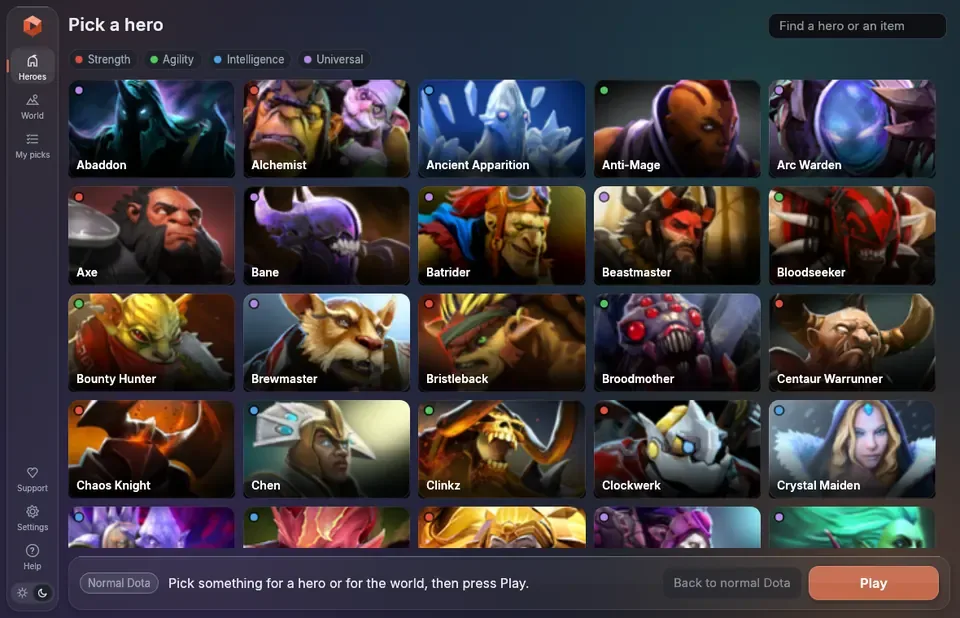
Use at your own risk
This app edits two of Dota 2's own files, which may break Valve's terms of service. It is not made or approved by Valve.
How to use
- Download
Dota2ModEnjoyer.exeand start it. It is one file, with nothing to install. - Close Dota 2 if it is open. The app finds the game by itself.
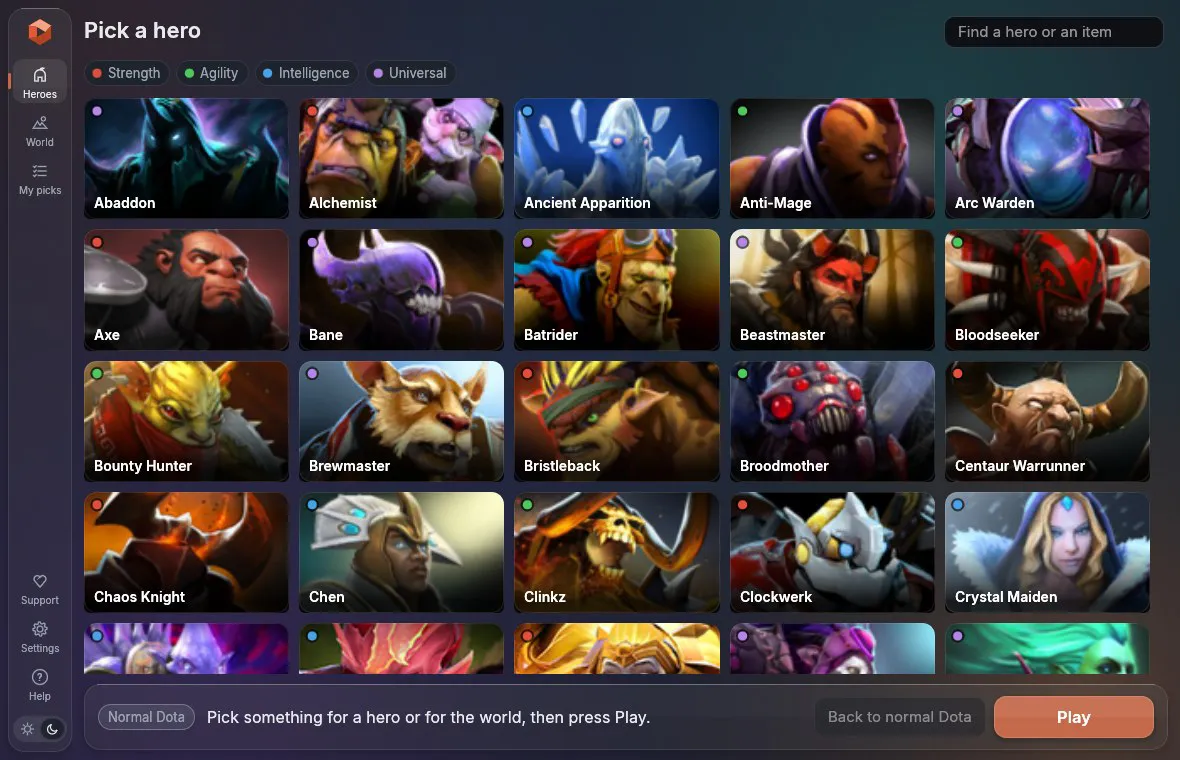
- Choose a hero and click what it should wear.
- Press Play. Your picks are put in the game and Dota starts.
The first time, Windows may say "Windows protected your PC", because the file is not signed with a paid certificate. Click More info, then Run anyway.
Only you see your picks, and you do not need to own the items.
Screenshots
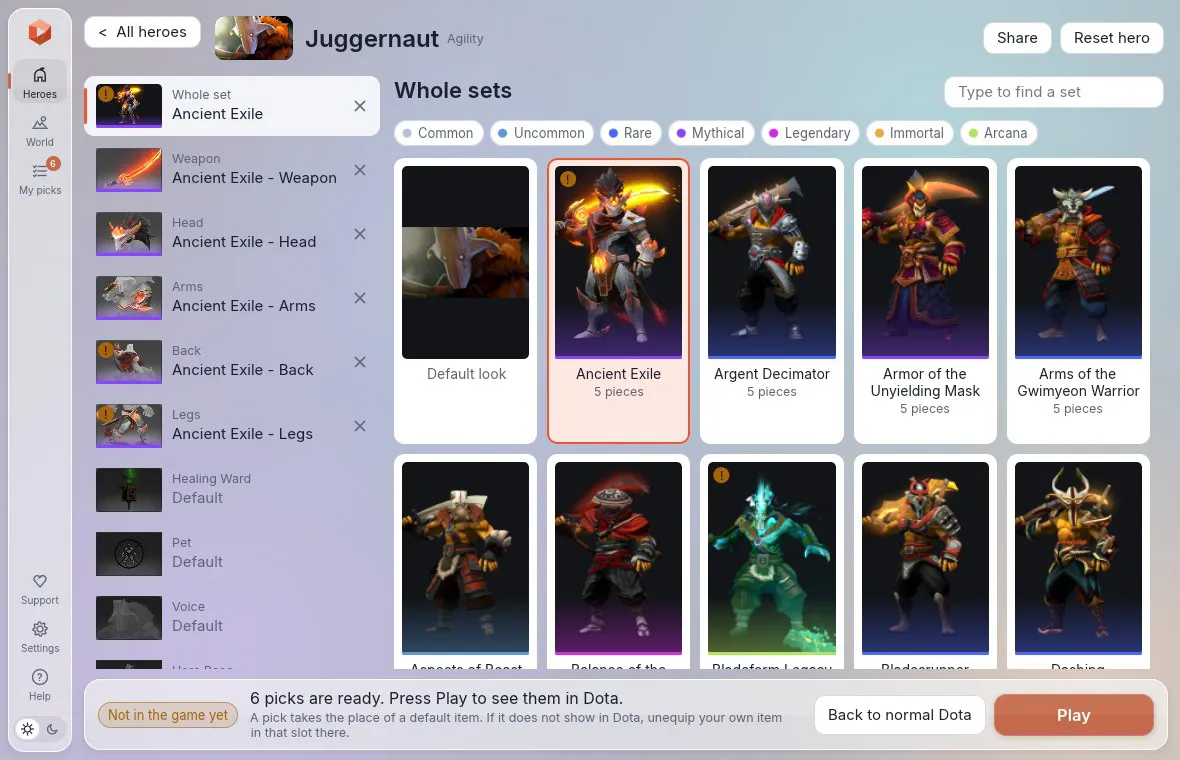
What you can change
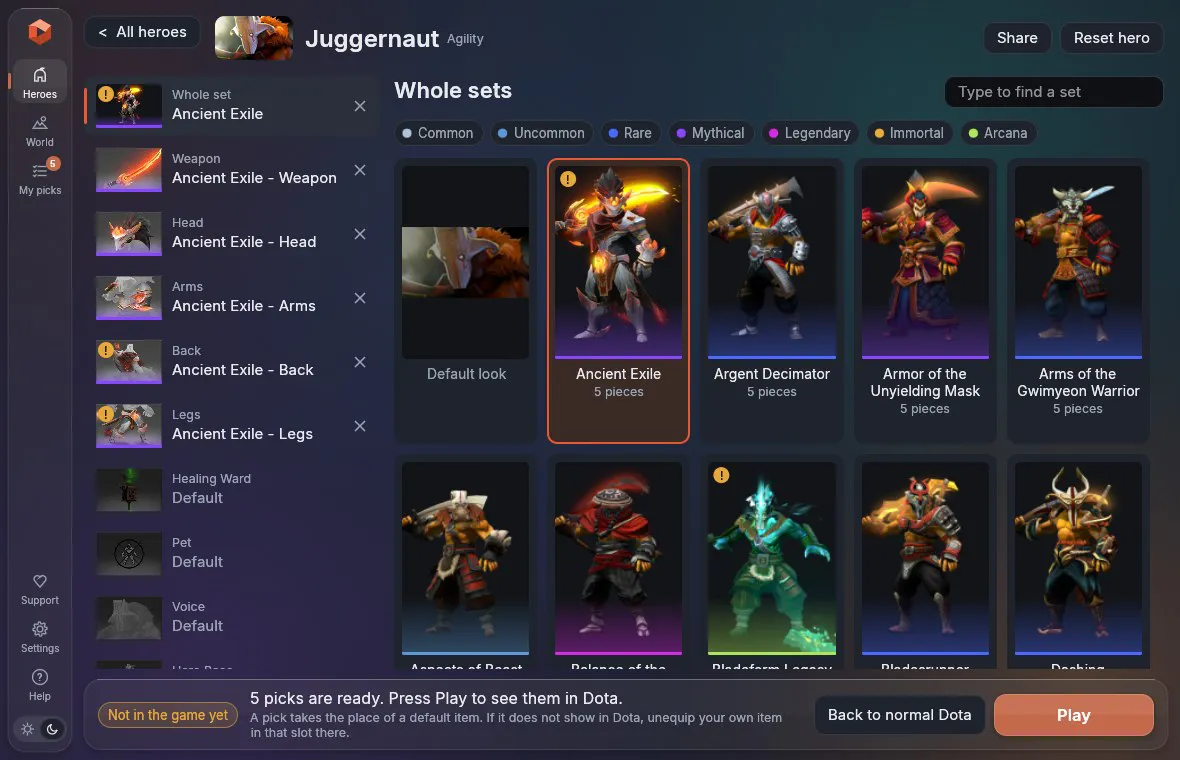
- Every hero's items, as whole sets or piece by piece, with their styles.
- Ability effects, such as an immortal's Blade Fury on a plain sword.
- Personas, without owning them (an experiment).
- The courier, ward, terrain, weather, music, announcer, HUD, loading screen and more.
- Effects of past events, such as teleports, Blink Dagger and emblems. They go on the heroes you picked something for, and Settings can make that every hero.
- Other trees, an event's look for the whole map, and a mode for low-end PCs (experiments).
Just type to search, for heroes, items and sets. My picks lists everything you picked. There you can save your picks as a preset, and Share copies a short code that a friend pastes under Use a code to get the same look.
Updates
The app updates itself. When a new version is out, an Update button shows on the left. One click downloads it and starts it again, and your picks stay. CHANGELOG.md lists what each version changed.
After a Dota update, start Dota with Play in the app. Steam updates Dota by itself, and that undoes half of the app's changes until Play puts them back.
Troubleshooting
Most problems are fixed by checking the game's files in Steam. Right-click Dota 2, then Properties, Installed Files, Verify integrity of game files. Then press Play in the app again.
| Problem | What to do |
|---|---|
| A pick does not show | Unequip your own item in that slot in your Dota loadout. |
| An item has a small "!" | Dota no longer has some of its files, so a part of it may not show. |
| Dota says Valve Anti-Cheat could not verify your machine | Close Dota, press Back to normal Dota, and look for a match again. |
| Picked heroes show as "ERROR" | Do not change video settings during a match. It is fine again next game. |
| Nothing changes in Dota | Dota was running when you pressed Play. Close it and press Play again. |
| Something else | Press Report beside the message, or Report a problem in Help. |
Report opens a new report on the GitHub page with the details filled in, and the name of your Windows account left out. It needs a free GitHub account. Without one, Copy details copies the same text.
Questions
Does it collect any data?
No. Its one request to the internet asks GitHub whether a new version is out.
Can I get banned?
Nobody can promise that you cannot. The app never touches the running game and gives no advantage in a match.
How do I undo everything?
Press Back to normal Dota. It puts the game's files back exactly as they were.
What does it change?
It adds a folder, game\mod_enjoyer, and a few lines to game\dota\gameinfo_branchspecific.gi and game\bin\win64\dota.signatures. Copies of the originals are kept in %LOCALAPPDATA%\Dota2ModEnjoyer\backup.
Virus scans
Every release is scanned on VirusTotal before it goes out. Each link opens the full result for that file. A release that Microsoft's scanner flags is not put out.
| Version | The app | The command-line tool |
|---|---|---|
| 0.2.3 | 3 of 71 scanners flag it | 1 of 71 scanners flag it |
| 0.2.2 | 0 of 66 scanners flag it | 1 of 71 scanners flag it |
| 0.2.1 | 1 of 71 scanners flag it | 1 of 71 scanners flag it |
| 0.2.0 | 3 of 71 scanners flag it | 1 of 71 scanners flag it |
Support us
The app is free and its code is open. Donations are welcome and never asked for.
| With | Where |
|---|---|
| PayPal | paypal.me/elangrr |
| Solana (SOL), on the Solana network | 122Y7kRw7ELd4SpVG9LPCfVMtQgHiWDiSKakQom966RG |
| Ethereum (ETH), on the Ethereum network | 0xccf73af707f8bd2ee81dec77467b473705ef901e |
Send only the currency named, on the network named. Anything else sent to an address is lost.
Command line and building
dme.exe does the same from a terminal. dme status, dme apply axe.weapon=5675, dme play and dme restore are the main commands, and dme --help lists the rest.
To build the app you need Rust. Run cargo build --release. docs/DEVELOPING.md has the rest, and docs/SPEC.md explains how it works.